Navigation
Install the app
How to install the app on iOS
Follow along with the video below to see how to install our site as a web app on your home screen.
Note: This feature may not be available in some browsers.
More options
Style variation
You are using an out of date browser. It may not display this or other websites correctly.
You should upgrade or use an alternative browser.
You should upgrade or use an alternative browser.
Feedback Technical Grievances
- Thread starter Null
- Start date
-
Want to keep track of this thread?
Accounts can bookmark posts, watch threads for updates, and jump back to where you stopped reading.
Create account

Concerned Citizen
kiwifarms.net
- Joined
- Feb 6, 2025
Why is my .png uploading as webp? What am I doing wrong?

- Joined
- Aug 23, 2019
I HAVE AUTISM AND DON'T DO WELL WITH CHANGE
FIX IT NOW
FIX IT NOW

- Joined
- Nov 14, 2012
optimization feature.Why is my .png uploading as webp? What am I doing wrong?
Concerned Citizen
kiwifarms.net
- Joined
- Feb 6, 2025
OK, thanks.optimization feature.
You live in Bri*ain.Why is my .png uploading as webp? What am I doing wrong?

- Joined
- Feb 6, 2021
SAAR PLS ALSO HELP MEI HAVE AUTISM AND DON'T DO WELL WITH CHANGE
FIX IT NOW
I AM ALSO FUCKING INDIAN SAAR
PLEASE FUCKING HELP ME SAAR I SWEAR TO FUCKING GOD SAAR FIX IT SAAR

- Joined
- Jul 23, 2023
Did you update Xenforo to the latest version as part of the maintenance? I assume that's what this maintenance was for.optimization feature.

- Joined
- Jul 4, 2022
me checking Kiwifarms and seeing the current layout


four
kiwifarms.net
- Joined
- Jan 1, 2025
i don't think he's allowed to use the latest version of xenforo, they revoked his licenseDid you update Xenforo to the latest version as part of the maintenance? I assume that's what this maintenance was for.

- Joined
- Oct 3, 2023
I don't know if it's the making everything webp, the other updates, or both, but the site feels a lot smoother now.

The Skeptical Tomato X5
kiwifarms.net
- Joined
- Apr 15, 2019
It's Infinity Next all over again
- Joined
- Nov 14, 2012
I got the site upgraded to PHP 8.4 from 8.1, so that's probably helping a lot. I know they made some serious improvements with 8.3I don't know if it's the making everything webp, the other updates, or both, but the site feels a lot smoother now.

stupid fufu
kiwifarms.net
- Joined
- Jan 15, 2024
I don't know what kind of autistic magic you worked but the site loads faster, chat doesn't bug out on me, and the layout is very nice.
Thanks Generous Josh
Thanks Generous Josh
- Joined
- Nov 14, 2012

Postmortem Thread 'Blinded by the Light'
I have conducted routine maintenance. It went pretty well, all things considered, until I accidentally deleted the Dark Theme. So now I have to redo the themes. A good excuse as any to freshen things up a bit, it's been like 4 years since the last time i updated the theme.
If anything is BROKEN (as in, does not work) please let me know. If things are so ugly it's literally unusuable, also let me know. If things are just ugly -- trust me, I know.
P.S. You now see DMs in people's profiles. These DMs are DMs you can see. This is not leaking to the public.
P.P.S. XenForo stores themes in...
If anything is BROKEN (as in, does not work) please let me know. If things are so ugly it's literally unusuable, also let me know. If things are just ugly -- trust me, I know.
P.S. You now see DMs in people's profiles. These DMs are DMs you can see. This is not leaking to the public.
P.P.S. XenForo stores themes in...
- Null
- Replies: 1,173
- Forum: Forum Discussion
Reactions: x 102 x 85 x 13 x 11 x 20 x 2 x 1 x 5 x 4 x 1 x 1
x 102 x 85 x 13 x 11 x 20 x 2 x 1 x 5 x 4 x 1 x 1
uhhh apparently linking threads does that now.

- Joined
- Feb 23, 2019
I'm having certain trouble right now with attachments, which I've never had on Kiwifarms but did elsewhere. So if I try to upload one, it will display (randomly) green/blue/purple static or lines, and that's for every time I upload it, instead of the actual image, kind of like this:
https://invisioncommunity.com/forums/topic/466455-image-upload-pink-and-green-stripes/
https://invisioncommunity.com/forums/topic/459737-uploaded-images-are-distorted/
I am on Tor, I've experienced this issue before on Tor as well while trying to upload images to an Invision forum; can't remember if this issue had something to do with the "resistFingerprinting" or similar setting, but in any case it's something I've never experienced on Kiwifams until now.
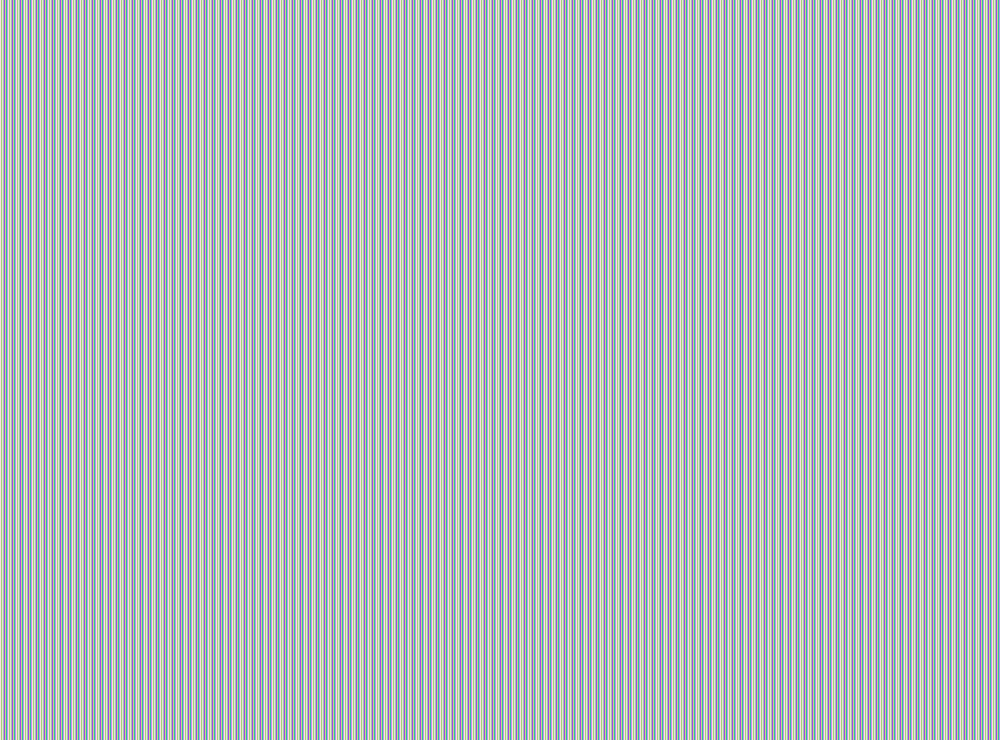
https://invisioncommunity.com/forums/topic/466455-image-upload-pink-and-green-stripes/
https://invisioncommunity.com/forums/topic/459737-uploaded-images-are-distorted/
I am on Tor, I've experienced this issue before on Tor as well while trying to upload images to an Invision forum; can't remember if this issue had something to do with the "resistFingerprinting" or similar setting, but in any case it's something I've never experienced on Kiwifams until now.
- Joined
- Feb 23, 2019
I see the option, but it compromises some level of privacy.you are using a privacy browser that blocks canvas. use the config to enable canvas.
Just want to add that I am on default Tor, like I always am on here, and have not changed anything or any setting. So I'm wondering why this is an issue now, if you know, and if you can make it as how it was before.